Published
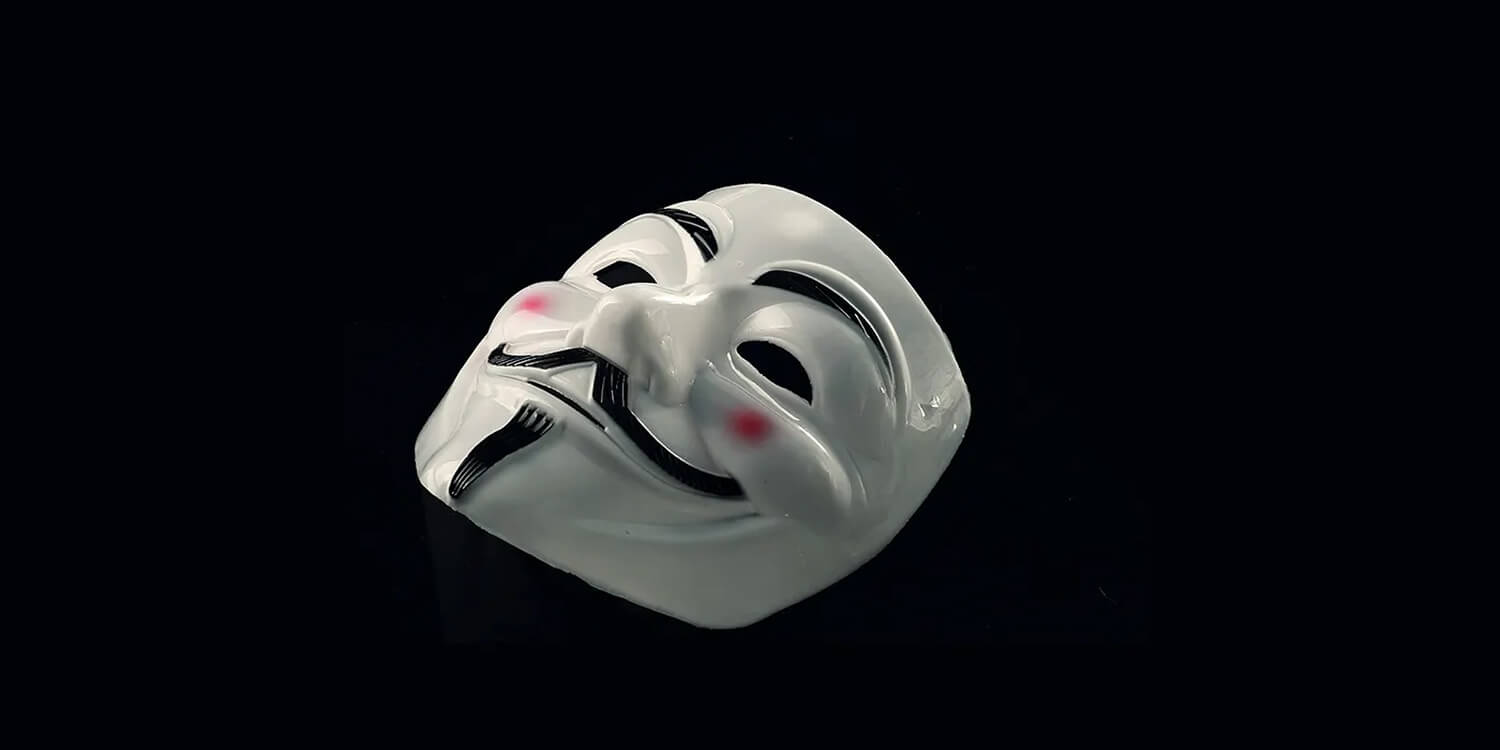
I logged in to my LinkedIn account one fateful day and was met with a horrific sight — my profile had disappeared and been replaced by some random person!
I was left aghast. How is this possible, I asked myself. I secured my account, so nothing like this ever happened to me. Or did I? Here are some things I should have been on the lookout for:
Two-factor authentication:
I’m sure you’ve heard this before, but if you don’t, here’s a brief explanation:
Two-factor authentication (2FA) is an identity and access management security method that requires two forms of identification to access resources and data.
It is a security measure to ensure users are secure and their accounts cannot be stolen by ‘bad actors’. Here’s the thing: I didn’t enable 2FA on my LinkedIn account, which meant I didn’t have a defensive wall to protect my account from anyone. So when my account was breached, it was too late to block the sign-in.
A bad actor is a person or organization responsible for actions that are harmful, illegal, or morally wrong.
Please don’t be like me. Enable 2FA as soon as possible to protect your account.
Random connect requests:
It’s always great seeing a connection request — this means I’m noticed! But is it all that exciting and harmless? I don’t think so.
Before my account was hacked, I occasionally received some strange connection requests; some I declined, others I accepted. This was a huge mistake on my part. Though the idea of connecting with people isn’t necessarily harmful, I didn’t take the time to see the profile of who was sending me these requests. Maybe if I did, I would have seen that some were barely active on the platform, or left weird comments on other users’ posts, etc.
Not everyone on LinkedIn is a legit user; some are there to spam, and others might even be bots.
How I got help from LinkedIn to recover my account
Immediately I saw that my profile and EVERYTHING on it had been deleted/replaced, I contacted LinkedIn support via X(formerly Twitter). I explained my situation in detail and asked for help recovering my account (I’ve come a long way with it to let go at this point).
They were quick in responding and suggested several steps to get back my account, ranging from password change to enabling 2FA and more.
Please note that while my profile and everything on it had been deleted, I was still able to log into my account.
I did everything as suggested and told them so. However, the next day, when I tried signing in, I was met with yet another problem — I couldn’t get into my account!
I quickly messaged them, and they told me my account was temporarily restricted due to suspicious activity. To fix this, I was asked to upload a document (ID card, passport, etc.) Finally, with the swift actions of the support team, I got my account back! 🥳
Though I had to delete everything the ‘bad actor’ put on my profile, from experience to skills, I rewrote my profile — again. But this is an experience I won’t forget in a hurry.
My takeaways from this experience
2FA helps prevent scenarios like this, so please, if you’ve not already, enable it on your account.
Before you accept a connection request, check to see who’s sending it. If you’re not certain about the sender or if something looks off with the sender’s profile, maybe it’s better for you to decline the connection request.
Regularly check to see what devices you’re signed in with and where you’re signed in from. You might just remember you’re still signed in with that device you don’t use so often anymore, or even worse, you’re signed in from a country you don’t reside in.
Don’t hesitate to ask for help. Contact support as soon as something’s not right with your account. I have added some links to LinkedIn Support below.
LinkedIn Help on X(Twitter), LinkedIn Help Website
👉 By the way, you can check out my LinkedIn profile here 👈
Thanks for reading. If you found this article interesting, please leave a clap (or two) 👏. Have you faced something similar to my experience? Drop a comment below 👇
Til the next article, Ciao